Chromebook buyback

Chromebook buyback. Sell before the update date.

K12 Computers buys used Chromebooks from school districts in bulk, from a single cart to tens of thousands of devices across dozens of schools. We pick them up, erase and audit each one by serial number, resell the devices that still have life and recycle the rest, and pay the district on both.

  • R2v3 & ISO certified
  • NIST 800-88 erasure
  • Updated
Key facts

Chromebook buyback, at a glance.

Typical update life
About 10 years from platform release (Google)
Before pickup
Deprovision in the Google Admin console
Payout timelines
1-2, 5-8 or 9-12 weeks by model
Data erasure standard
NIST SP 800-88
Reference project
40,000 devices from 83 schools in 8 weeks
Districts served
300+
Devices processed
5 million+
Paid out
$80 million+

R2v3 · ISO 9001 · ISO 14001 · ISO 45001 · WISE Certified · Inc. 5000

01

How the Auto Update date affects Chromebook value

Every ChromeOS device model has a published date until which it receives automatic updates. Google's Auto Update policy says devices generally receive about ten years of updates from the platform's release, and lists the date for each model.

Buyers pay more for models with years of updates left. That makes timing the most important lever in a Chromebook buyback: selling the previous fleet soon after the new one is deployed, instead of storing it for another school year, usually recovers more. Devices past their date are still collected, and K12 pays on recyclable value.
02

Why deprovisioning matters

A Chromebook enrolled in a school's Google Admin console stays tied to that domain after a reset. Google's guidance is to deprovision devices you are retiring so they can be enrolled by a new owner.

Deprovisioning before pickup protects resale value and shortens processing. K12 then erases each device to NIST SP 800-88 guidelines, grades it and records the result by serial number.

03

Built for cart-by-cart, school-by-school collection

Chromebooks retire in carts spread across every school in a district. K12 builds route schedules with each site's point of contact and can collect while classes are in session. In Maryland, K12 collected 40,000 devices from 83 school sites in eight weeks.

Chargers and carts are collected with the devices, and damaged units (cracked screens, missing keys, no power) are taken too.

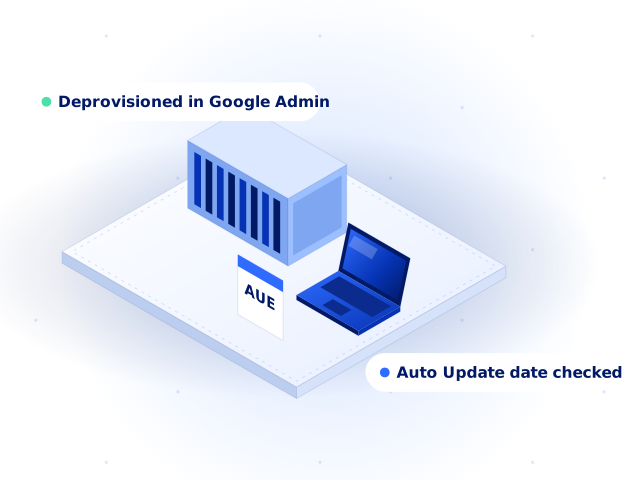
Isometric charging cart filled with navy student Chromebooks, a removed Chromebook and a calendar card, labelled deprovisioned and auto update date checked.
What we take

Timing matters most with Chromebooks.

Every Chromebook model has an Auto Update Expiration (AUE) date, after which Google stops sending updates. Resale value usually drops as that date gets closer, so selling the old fleet as soon as the new one is deployed, rather than storing it for a year, usually recovers more.

  • Student ChromebooksAny brand, any grade, with or without cases
  • Chromebooks past AUEStill collected, with payout on recyclable value
  • Damaged unitsCracked screens, missing keys, no-power devices
  • Chargers and cartsCollected with the devices
Step by step

Before Chromebooks leave your building.

Every step is recorded in the K12 portal. New to the terms? See the ITAD glossary.

  1. 01

    Deprovision in the Google Admin console

    Deprovisioned devices can be re-enrolled by the next owner, which protects resale value.

  2. 02

    Keep chargers with the devices

    Complete units are easier to resell.

  3. 03

    Count by model and site

    A rough count per school lets us plan routes and estimate value.

  4. 04

    Pick a payout timeline

    As-is value in 1-2 weeks, fair market value in 5-8 weeks or net revenue share in 9-12 weeks.

Portal & app

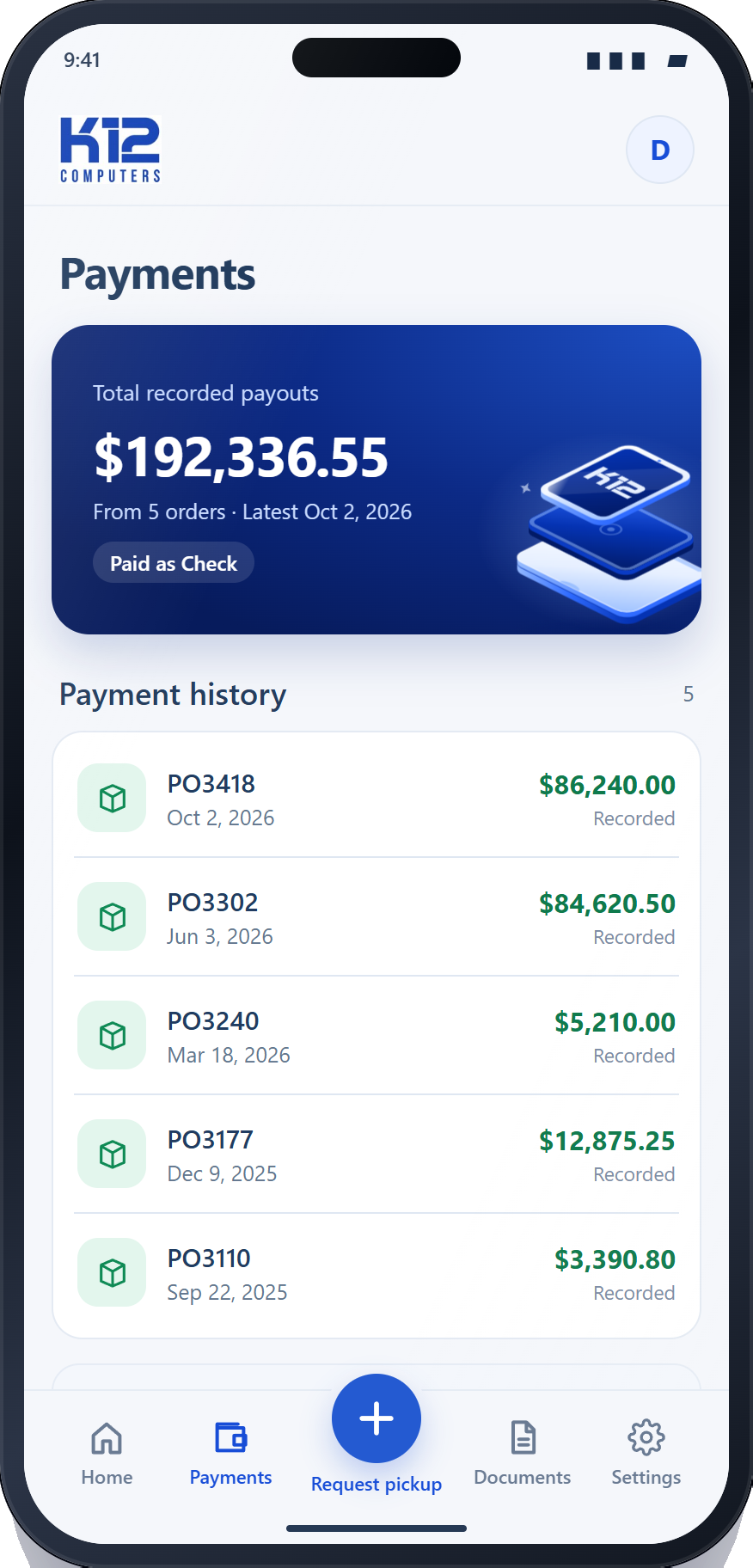
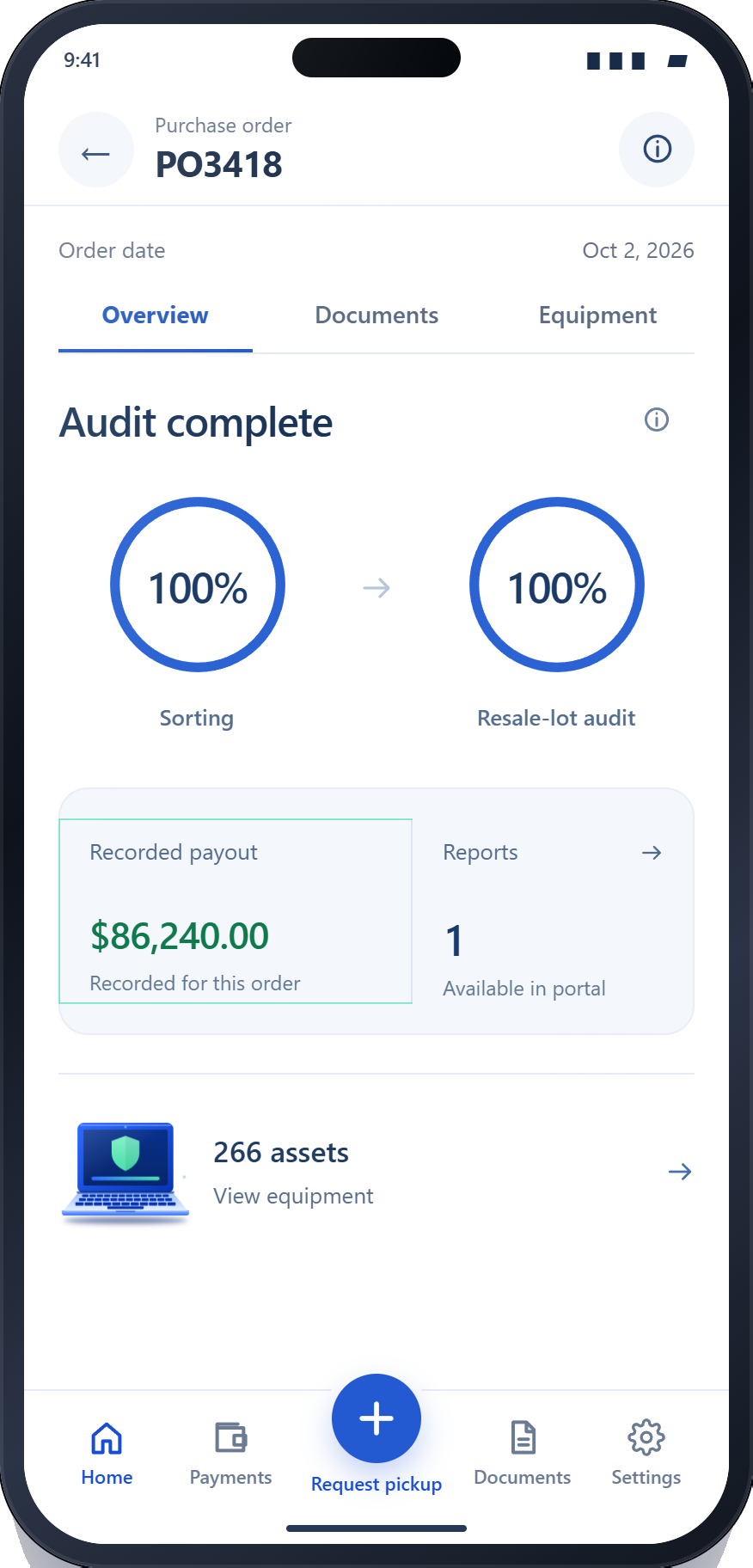
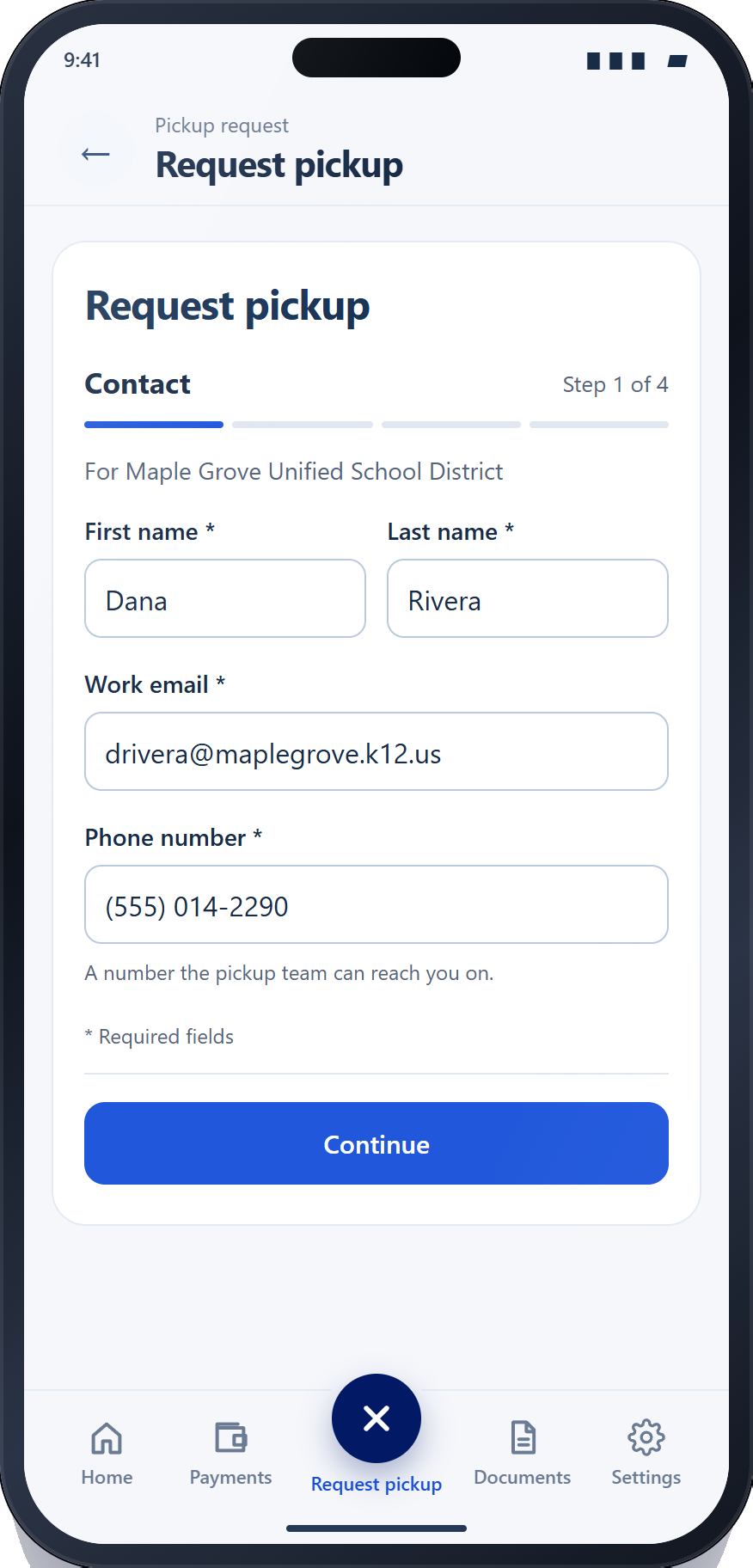
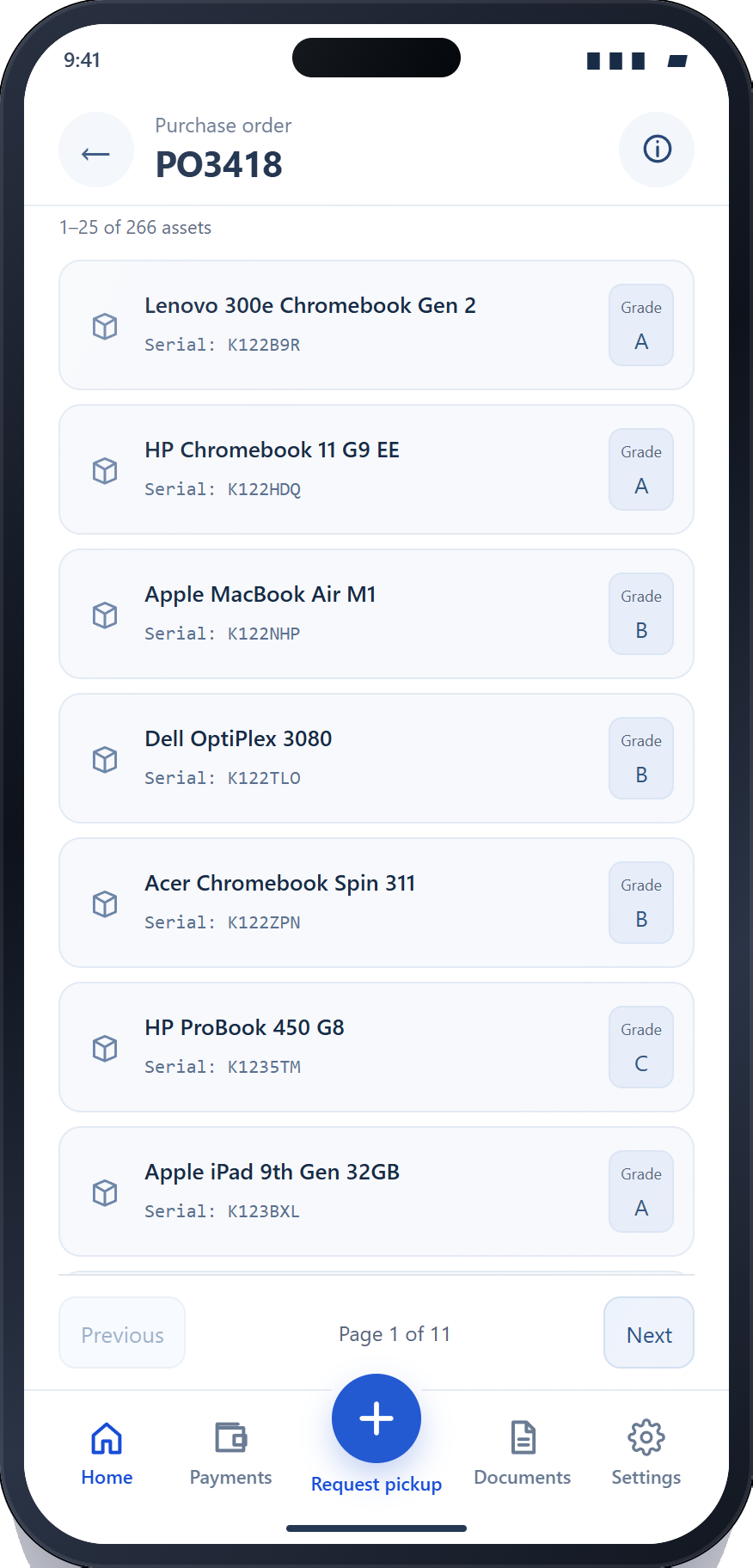
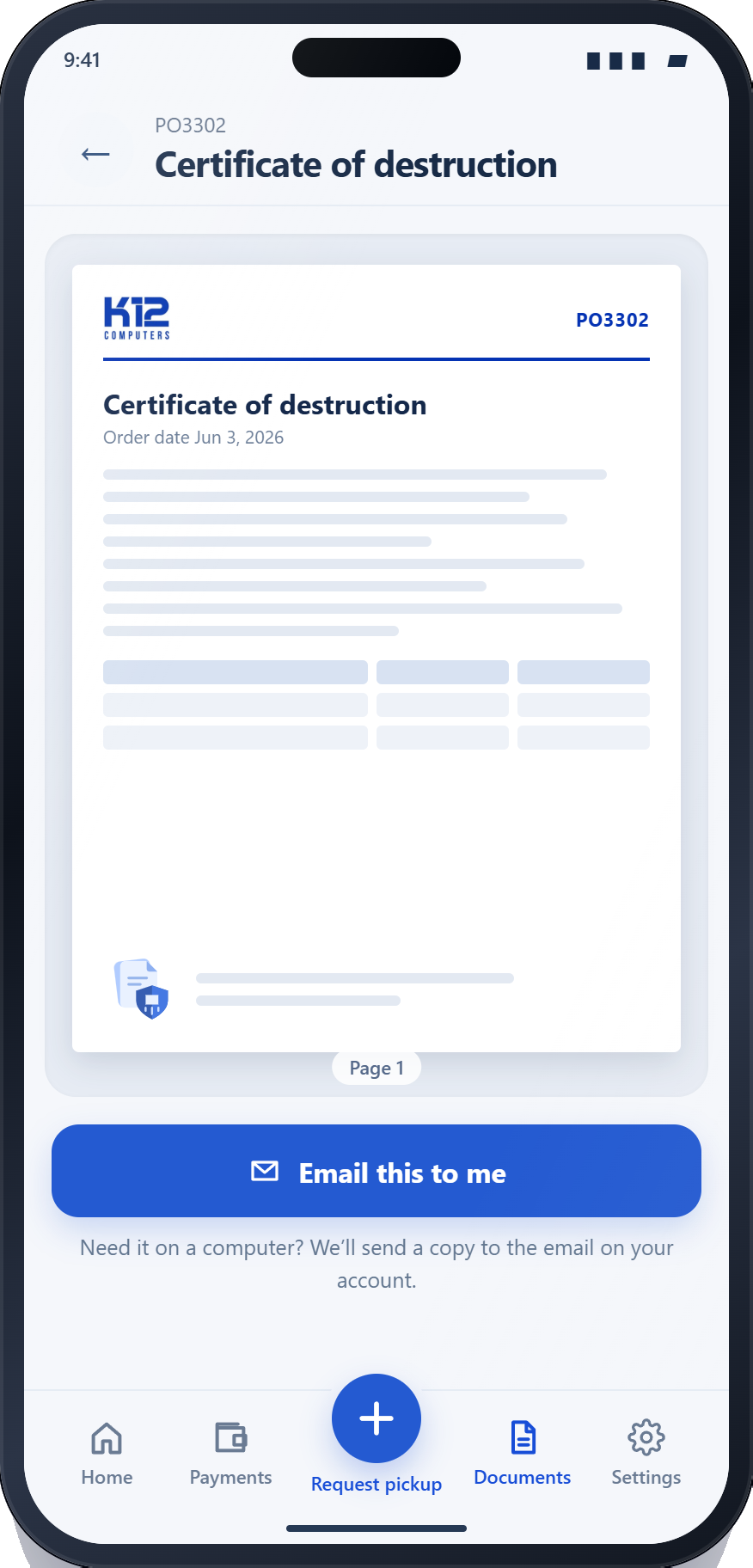
Follow every device in the K12 app.

Your orders, devices, documents and payouts, in a portal that works as well on your phone as on your desk.

The K12 app: orders, devices, documents and payouts, in 46 seconds.
Proof

Proven at district scale.

Warehouse clean-outs, multi-site pickups during the school year and full serialized audits.

Read the case studies
Maryland131,146 people enrolled

Due to the lack of storage space the School District requested a multi-site pickup across 83 locations while classes were in session.

Devices
40K
Weeks
8
District payout
$1MIL
Multi-Site Pickup, Off-site Data Deletion, Full Solution Set
Oklahoma35,675 people enrolled

The School District requested a full on-site audit and data deletion in their central warehouse

Devices
15K
Weeks
5
District payout
$300K
On-Site Audit, On-Site Data Deletion, Grade-Based Payout
Florida102,791 people enrolled

The school district requested a multi-site pickup and organization at the central warehouse to complete serialization of all devices.

Devices
24K
Weeks
7
District payout
$101K
Multi-Site Pickup, On-Site Scanning, Off-Site Deletion, Grade-Based Payout
In their words

What district IT teams say.

All Google reviews
“Highly recommend K12 Computers for surplus technology removal. Their team was easy to coordinate with, and was open to adapting work flows that met our conditions. They showed up on time, and were happy to get to work.”
Brady L., School district · Google review
“K-12 Computers make this look easy. I've been using them for 4 years now, and the results have been fantastic. Highly recommended by this K-12 IT Director.”
Bob S., K-12 IT Director · Google review
“JCPS has worked with K12 Computers on several projects, and each experience has been outstanding. From our first inquiry to the final pickup, the entire process was smooth and hassle-free.”
Barbara I., JCPS · Google review
FAQ

Common questions.

Choosing a vendor? Read how to choose an ITAD partner.

Who buys used Chromebooks from schools?

K12 Computers buys retired Chromebooks from school districts in bulk. It has processed more than 5 million devices for more than 300 districts, with pickup, NIST 800-88 data destruction and serialized reporting included.

Do Chromebooks past their AUE date have any value?

Often less resale value, but they are not worthless. K12 collects them and pays districts on both resellable and recyclable equipment.

How fast can a district be paid for Chromebooks?

Listed equipment can be quoted and paid upfront before pickup. Mixed loads pay in 1-2 weeks for as-is value, 5-8 weeks for fair market value or 9-12 weeks for net revenue share.

Should we keep chargers with Chromebooks?

Yes, where you have them. Complete units are easier to resell. K12 collects chargers and carts along with the devices.

Can K12 collect Chromebooks during the school year?

Yes. K12 schedules pickups with each school's point of contact and has collected from 83 sites while classes were in session.

Where can I find a Chromebook model's update date?

Google publishes it in the Auto Update policy page of its Chrome Enterprise and Education Help Center.

Tell us what you have.

Get an instant estimate by model, or request a pickup and our team takes it from there.